


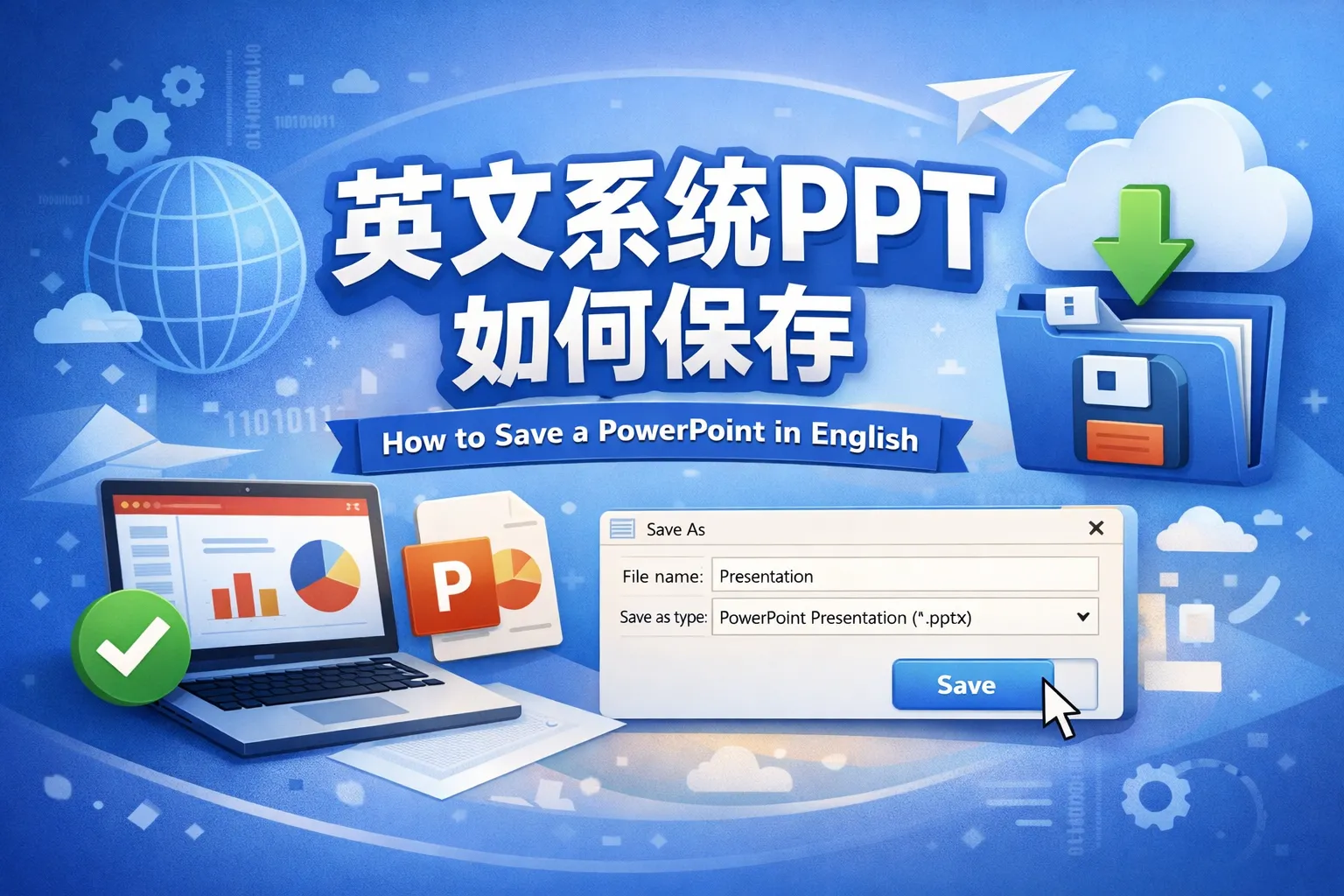
英文系统ppt如何保存
I created my PowerPoint slides using an English version of the software. What steps should I follow to save my presentation correctly?
Steps to Save a PowerPoint Presentation in English
To save your PowerPoint, click on the 'File' tab at the top left corner, then select 'Save' or 'Save As'. Choose the location where you want to save the file, enter a file name, pick the desired file format (such as .pptx), and click 'Save'.
Are there any particular considerations when saving a presentation in the English version of PowerPoint compared to other language versions?
Saving Presentations in English PowerPoint Version
The saving process in the English version follows the standard Microsoft Office procedure. The main difference is the menu language and some terminology. The 'File' menu contains 'Save' and 'Save As' options, which function identically to other language versions.
Using the English interface in PowerPoint, is it possible to save the presentation in different file formats like PDF or image files?
Saving PowerPoint Presentations in Various Formats
Yes, when using an English version of PowerPoint, you can click 'File', then 'Save As', and select from multiple formats including PDF, JPEG, PNG, or older PowerPoint versions. This allows flexibility depending on how you plan to share or present your slides.